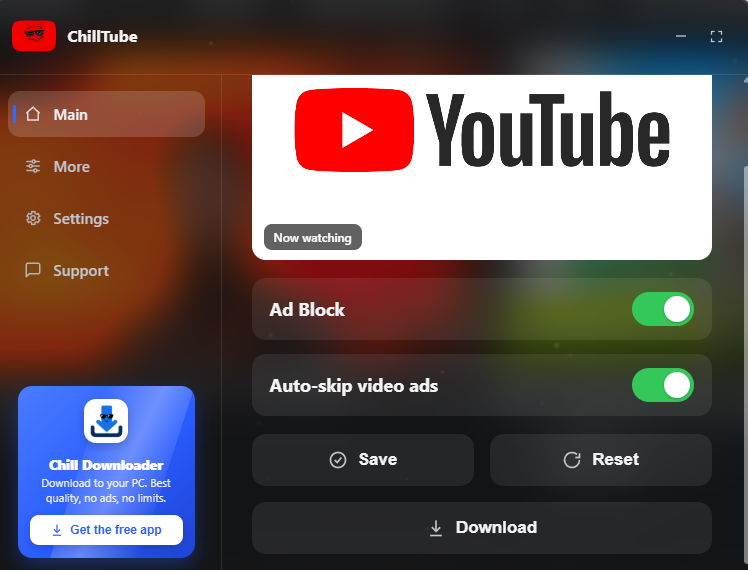
Dunkles Bedienfeld: Werbung ausblenden, Helligkeits- und Lautstärkeregelung sowie eine „Herunterladen"-Schaltfläche, die eine externe Downloadseite öffnet.
One userscript that cleans up YouTube, TikTok, Instagram, X (Twitter) and Facebook. It blocks and skips ads, hides the clutter and pop-ups, adds simple brightness, volume and speed controls, and puts a one-click Download button on top of any video you're watching. Available in eleven languages.
On X, Instagram and Facebook you get a single Download button in the top-right corner of the video. Click it and the video opens on an external downloader, ready to save. The download always happens off-site, never through the social platform itself, so you get a clean file without the watermark.
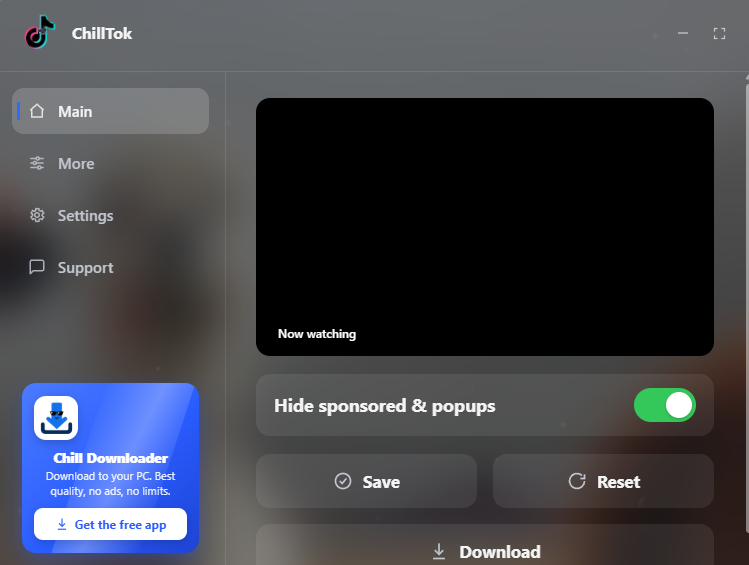
YouTube and TikTok get the same Download button, built into the panel.
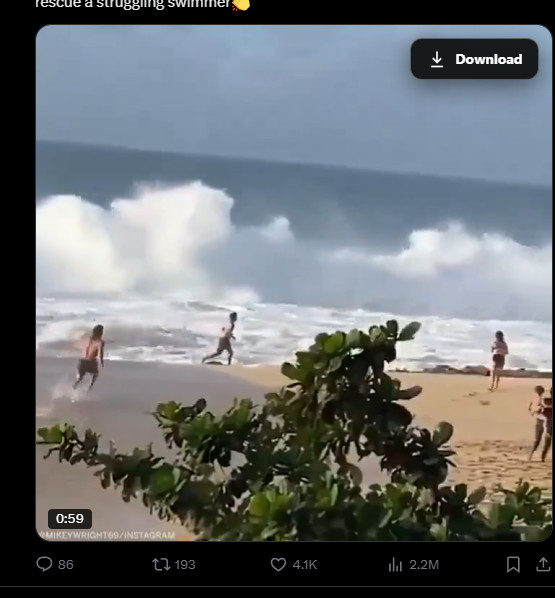

When you click the Download button you now get two options:
Either way it's free, there's no account and there are no watermarks, just the video you wanted. You can grab the free app or read more at chilldownloader.com.
This is the other half of what the script does. On YouTube it hides the display ads, the big masthead banner up top, the promoted items mixed into your feed, the sidebar ad slots, and the overlay ads that pop up inside the player, using a careful list that leaves your real videos and recommendations alone. It also watches the player during video ads and clicks YouTube's own Skip button the instant it appears, so you're not sitting through the skippable ones. While an unskippable countdown is still running, it shows its own Skip button over the player so you can push the ad to its end yourself.
On TikTok it clears out the sponsored and promoted posts, the "Get the app" banners, the sticky bars nagging you to open the app, the login pop-up and the cookie banner, so your feed stays clean.
It can also pull Shorts out of your YouTube feed if you'd rather not see them.
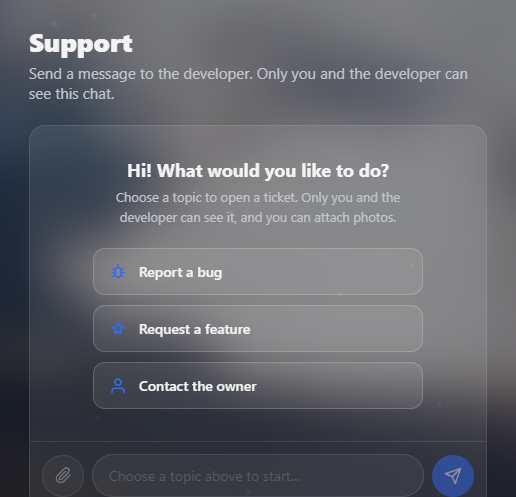
Need help or want to report something? There's a Support tab built right into the panel. Open it, type your message and send it, and it reaches the developer directly. You can attach a screenshot if it helps explain the problem, and replies come back to you inside the same panel, so you never have to leave the site, find an email address or sign up anywhere.
Brightness, contrast, grayscale, volume, looping and a fixed playback speed all live in the More tab and work on every supported site.
Get a userscript manager first (Tampermonkey, Violentmonkey or Greasemonkey all work), click Install at the top of the GreasyFork page, confirm it, then open or refresh any supported tab. Updates come through GreasyFork automatically.
It makes no network requests of its own and collects nothing about you. The Download button just opens the downloader with the link to the video you're watching.
English, Italian, Spanish, French, German, Portuguese, Russian, Simplified Chinese, Japanese, Arabic (right to left) and Hindi. It auto-detects your language on first run and you can change it any time in Settings.
Released under the MIT License.
Project                 Author             License
Auto-Skip-YouTube-Ads   tientq64           MIT
SponsorBlock API        ajayyy             CC BY-NC-SA 4.0
RemoveAdblockThing      TheRealJoelmatic   MIT
